
Genome 11 – Icon Theme for Windows 11
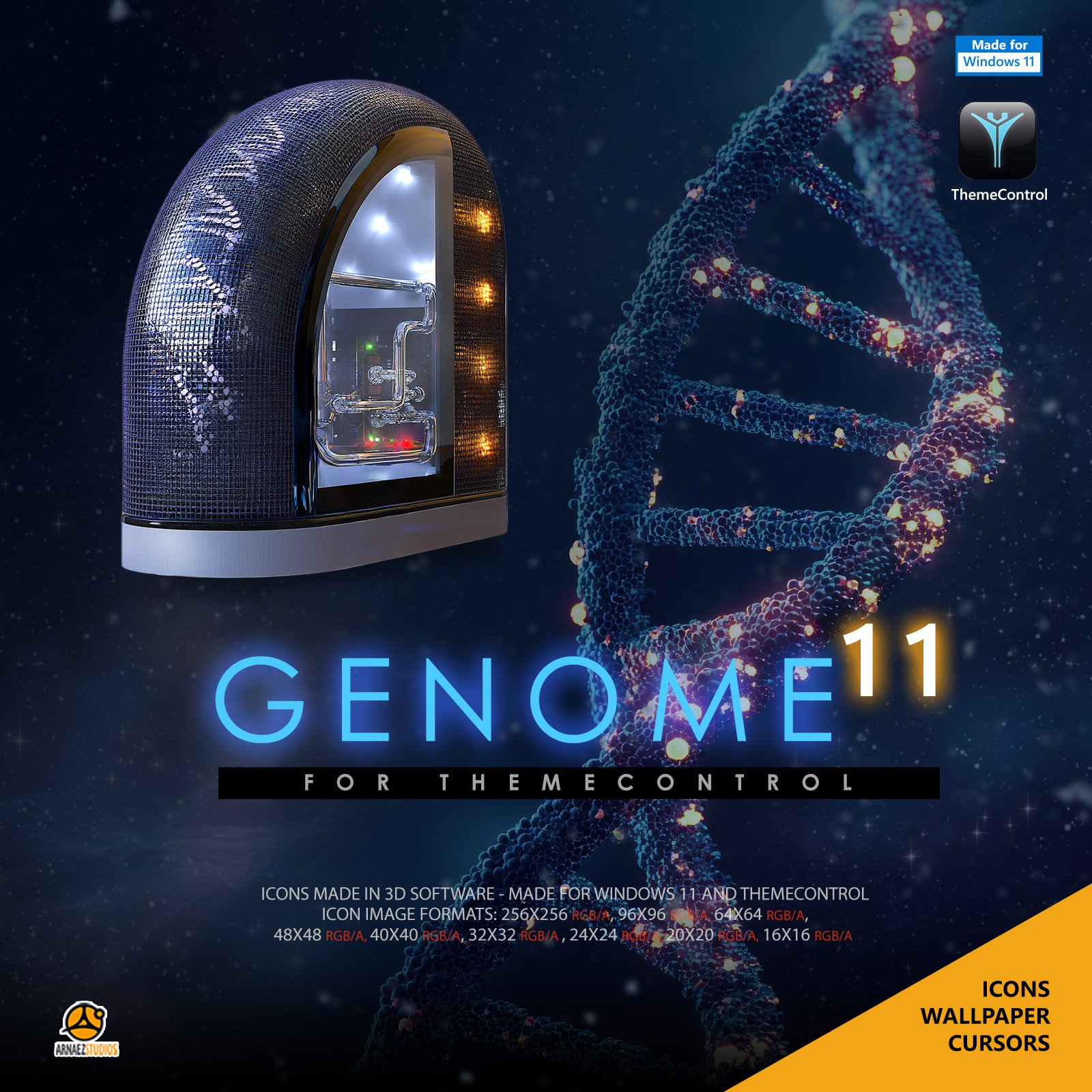
Genome 11 gives Windows 11 a sci-fi lab look: folders, drives and system icons woven in dark blue mesh, with a glowing DNA helix and warm amber lights.
Includes the Cosmic Genome wallpaper, matching mouse cursors and bonus app icons. Applied in one click with ThemeControl, our free app for Windows 11, and removed just as easily.
Sci-fi icons for Windows 11
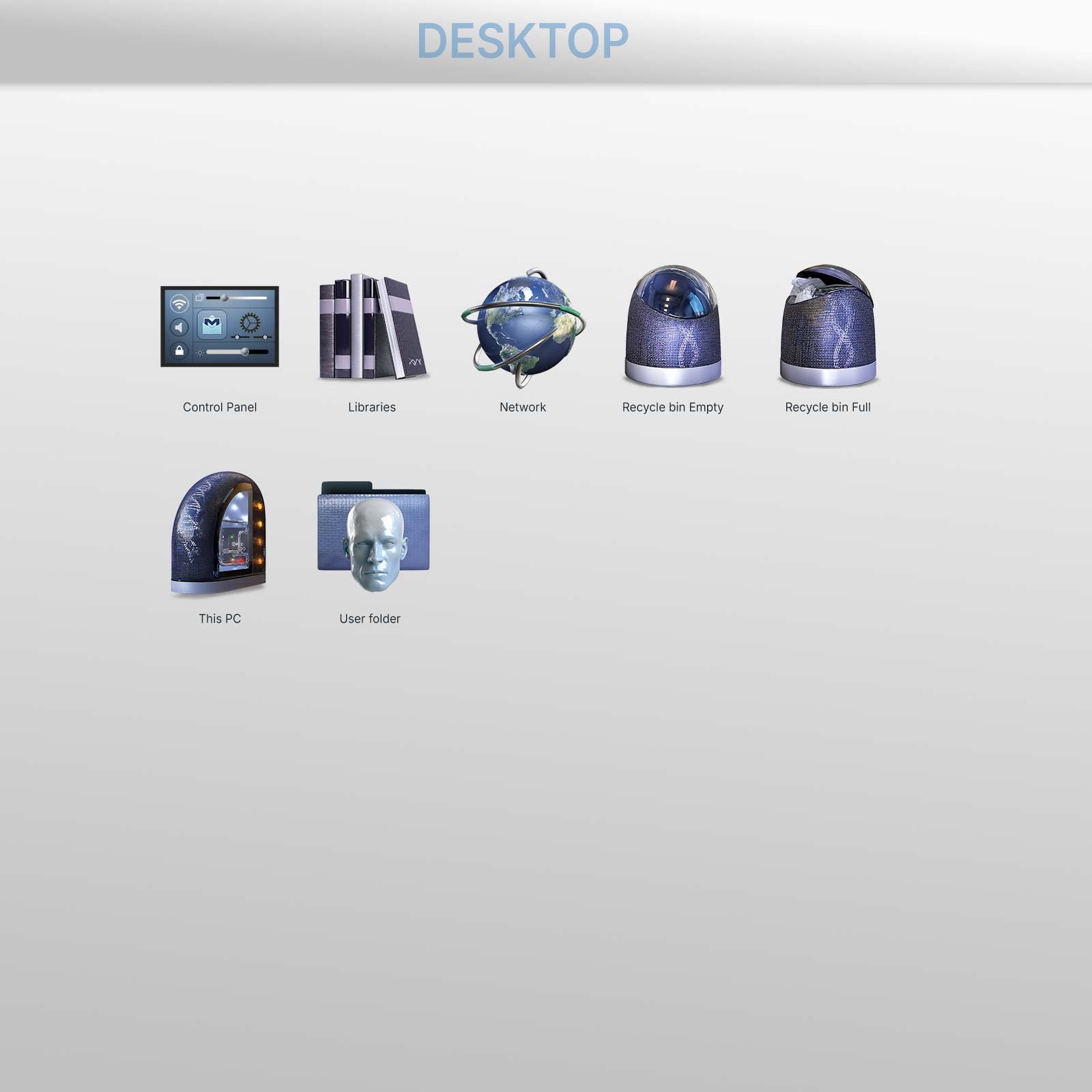
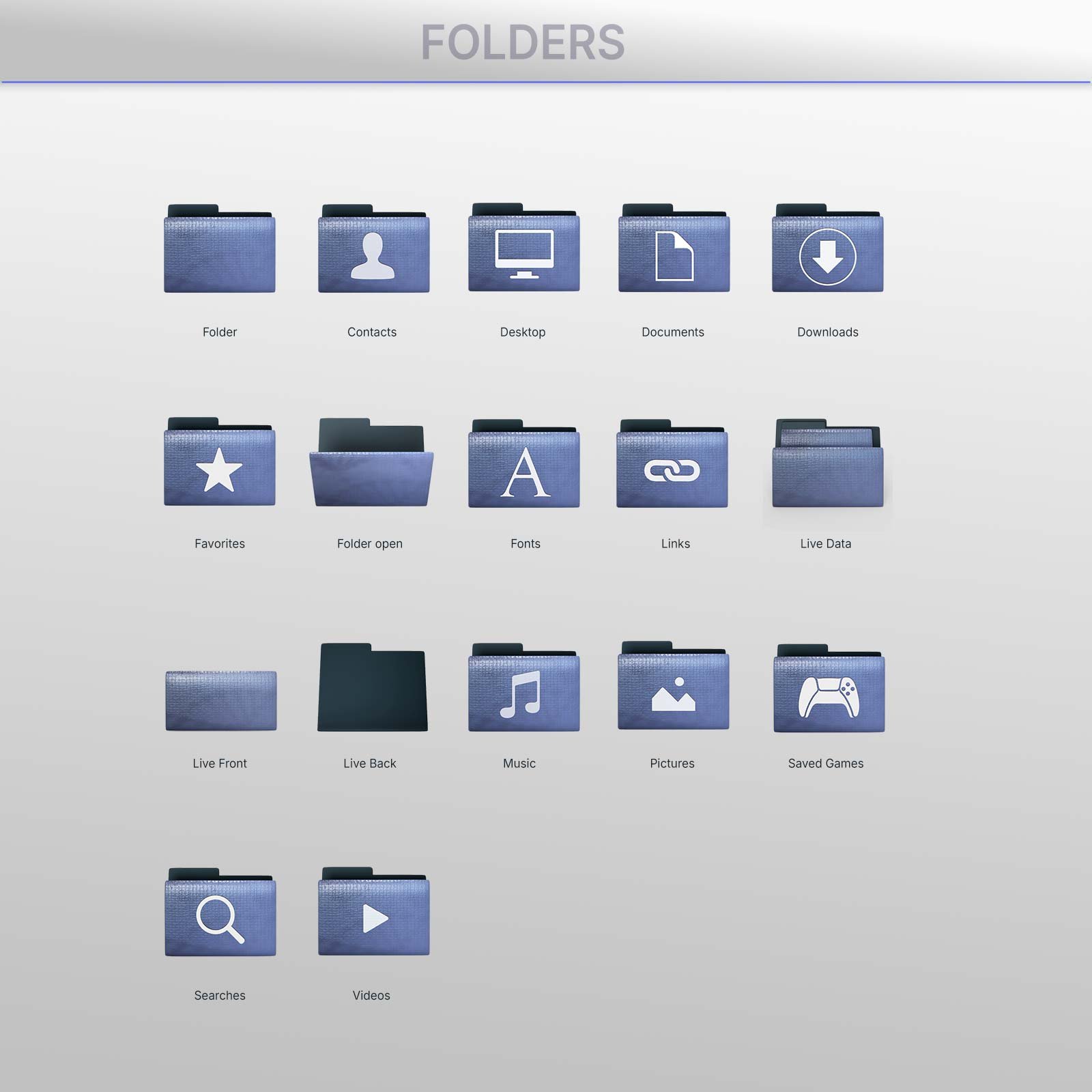
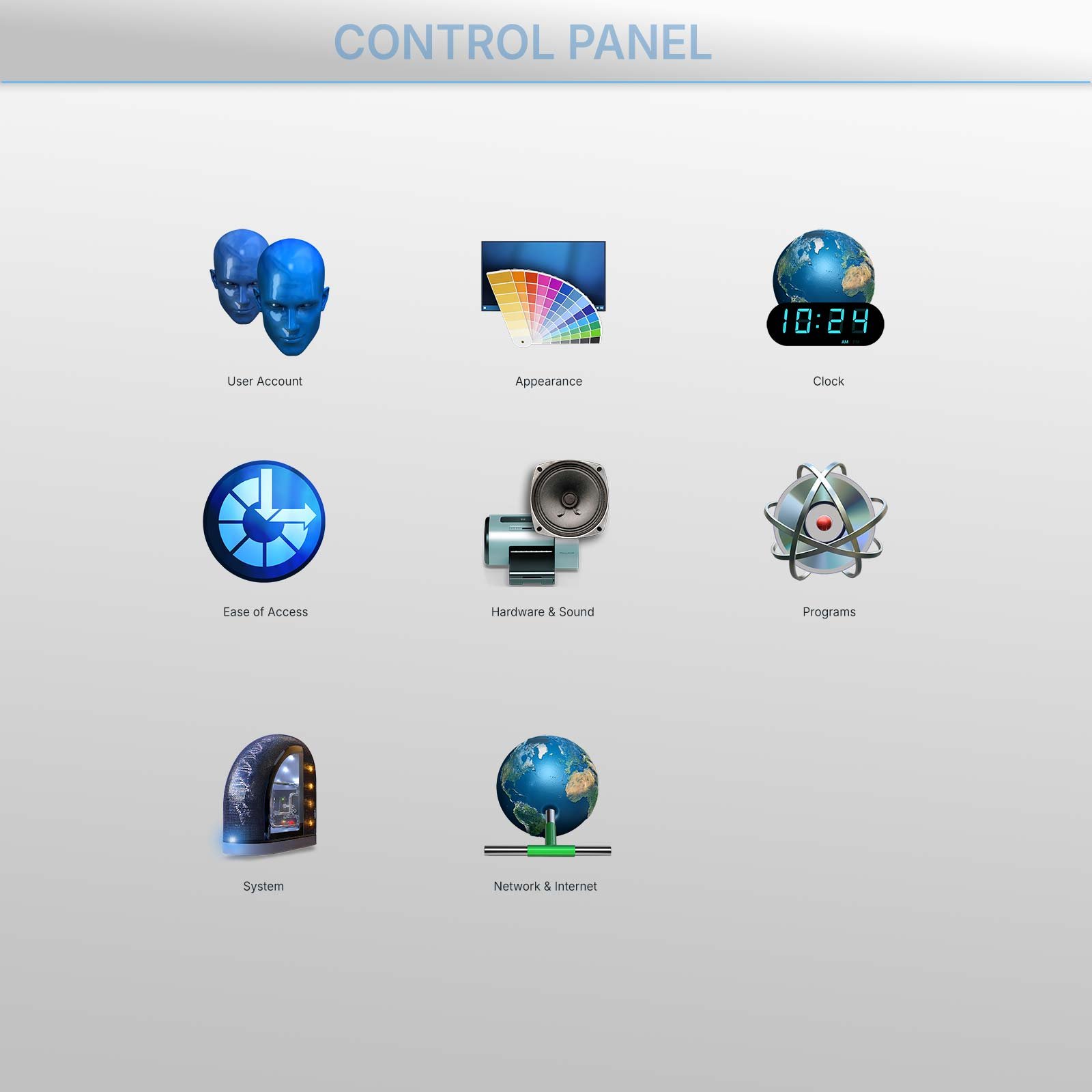
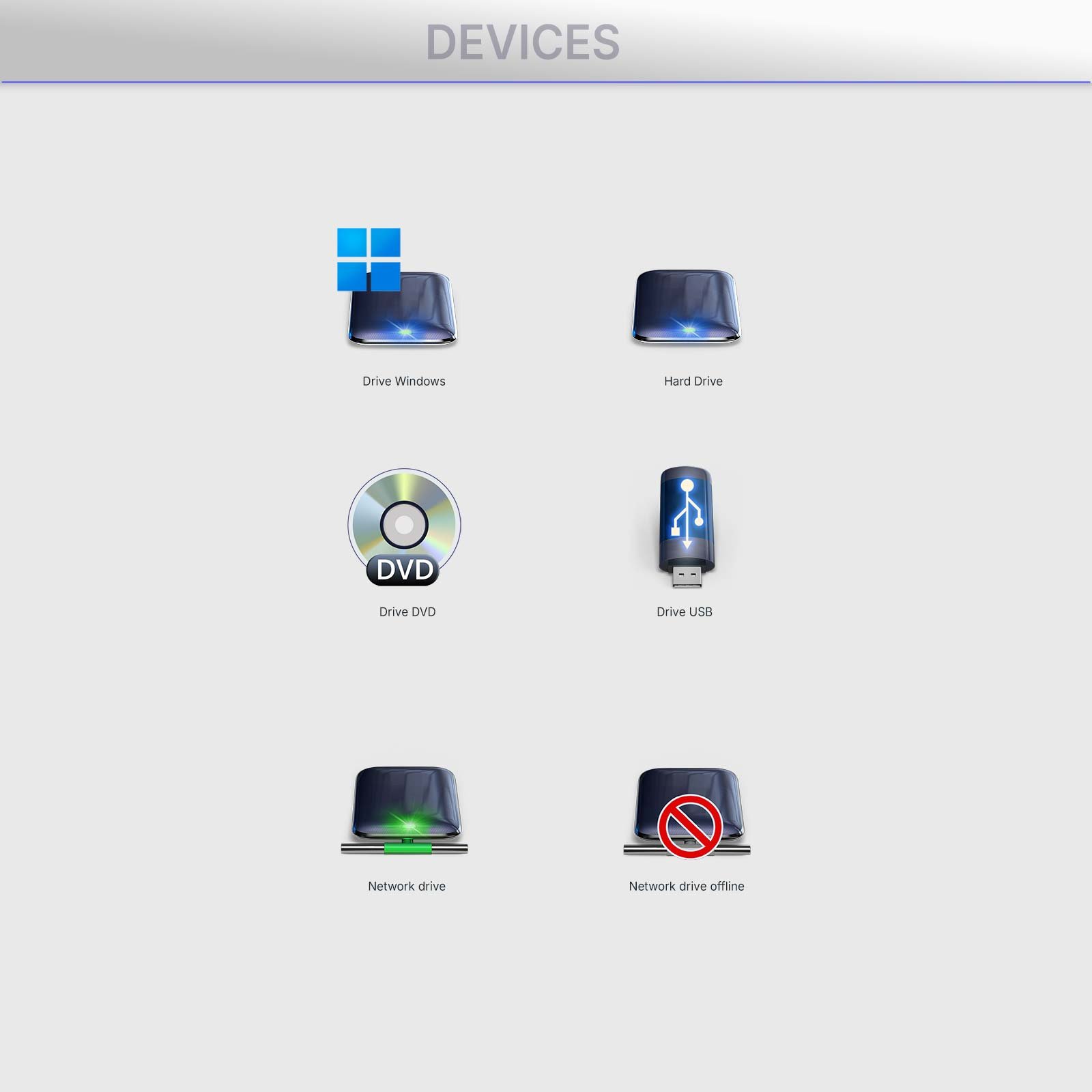
Genome 11 changes the icons you see every day: folders, special folders like Documents, Downloads and Pictures, drives, This PC, the Recycle Bin, Control Panel, File Explorer’s sidebar and the icons of your everyday files.
Every icon is built from the same materials: a deep blue woven mesh with a DNA helix glowing through it, glass, brushed silver and small amber lights. Your desktop looks like the inside of a research lab.
The Cosmic Genome wallpaper
A giant DNA helix floating in deep space, with the left side kept dark and clean so your desktop icons stand out. It comes in four shapes, and ThemeControl gives each of your screens the one that fits it:
- 16:9 – 3840 × 2160 (4K)
- 16:10 – 3840 × 2400
- 21:9 ultrawide – 5120 × 2160
- 32:9 super ultrawide – 7680 × 2160
Your icons and your wallpaper stay separate: the wallpaper is only applied when you click Apply wallpaper, and Restore previous wallpaper brings yours back anytime.
Matching mouse cursors
A full set of Genome cursors for Windows 11, including the animated busy and working pointers, so even your mouse matches the theme.
Bonus app icons
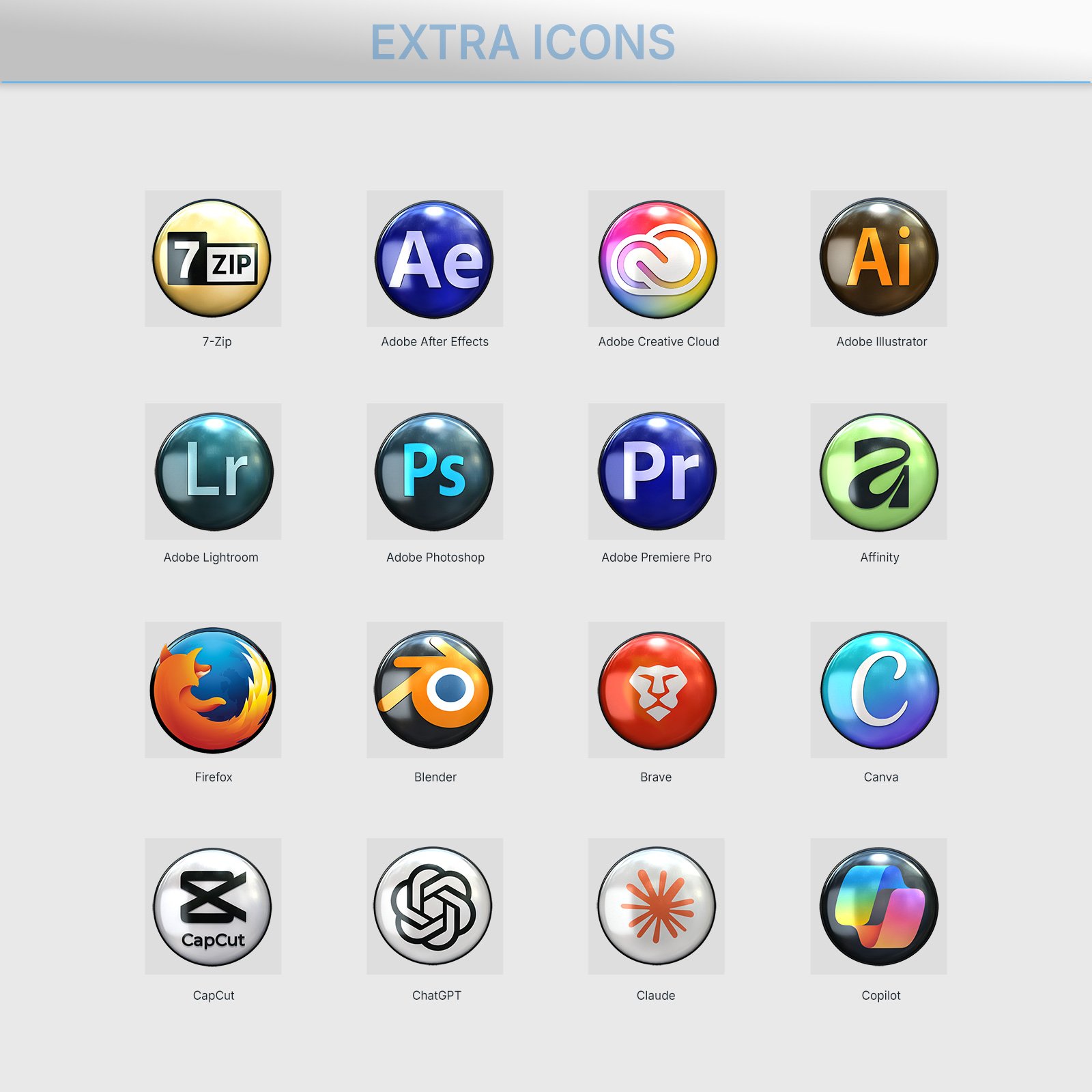
Genome-style icons for popular browsers, creative tools, office, chat and gaming apps. Put them on any folder or shortcut you like to give it a special look.
Folders that keep their design
Windows 11 normally fills a folder’s icon with previews of the photos and documents inside, which covers the folder’s art. Genome 11 does it differently, on purpose: the front of the folder stays closed, and only the top edge of what’s inside peeks out. You can still tell at a glance which folders hold files, and every folder keeps the Genome look.
What’s included
- The Genome 11 icon theme for Windows 11
- The Cosmic Genome wallpaper in 4 sizes, up to super ultrawide
- Genome mouse cursors
- Bonus app icons for your folders and shortcuts
- ThemeControl, our free app to apply it all in one click
- A step-by-step install guide (PDF)
How to install the theme on Windows 11
- Download the zip and run ThemeControl-Setup.exe.
- Double-click Genome 11.thc.
- Click en Apply theme. Your new icons appear in seconds.
- Optional: open the Wallpaper tab and click Apply wallpaper.
The cursors and bonus app icons are applied by hand in a few steps; the included PDF guide shows how.
Want your usual look back? Restore previous icons in ThemeControl puts everything back as it was.
Requirements
- Windows 11 (64-bit)
- ThemeControl (free, included)
Preguntas frecuentes
¿Funciona en Windows 10? Genome 11 is made for Windows 11, and that’s where we test it. We haven’t tested Windows 10 yet, so we don’t support it for now.
Will the wallpaper fit my ultrawide or dual monitors? Yes. Genome 11 includes 16:9, 16:10, 21:9 and 32:9 versions, and ThemeControl picks the right one for each screen.
Can I go back to my usual icons and wallpaper? Yes. Restore previous icons and Restore previous wallpaper in ThemeControl put everything back exactly as it was.
Do I need ThemeControl PRO? No. A theme you buy works with the free ThemeControl, which is included in the download.
Want more? ThemeControl PRO adds tools like big icons in every folder and room between your desktop icons.
Solo los usuarios registrados que hayan comprado este producto pueden hacer una valoración.
Productos relacionados
$22.22
$11.00
$22.22



Valoraciones
No hay valoraciones aún.