
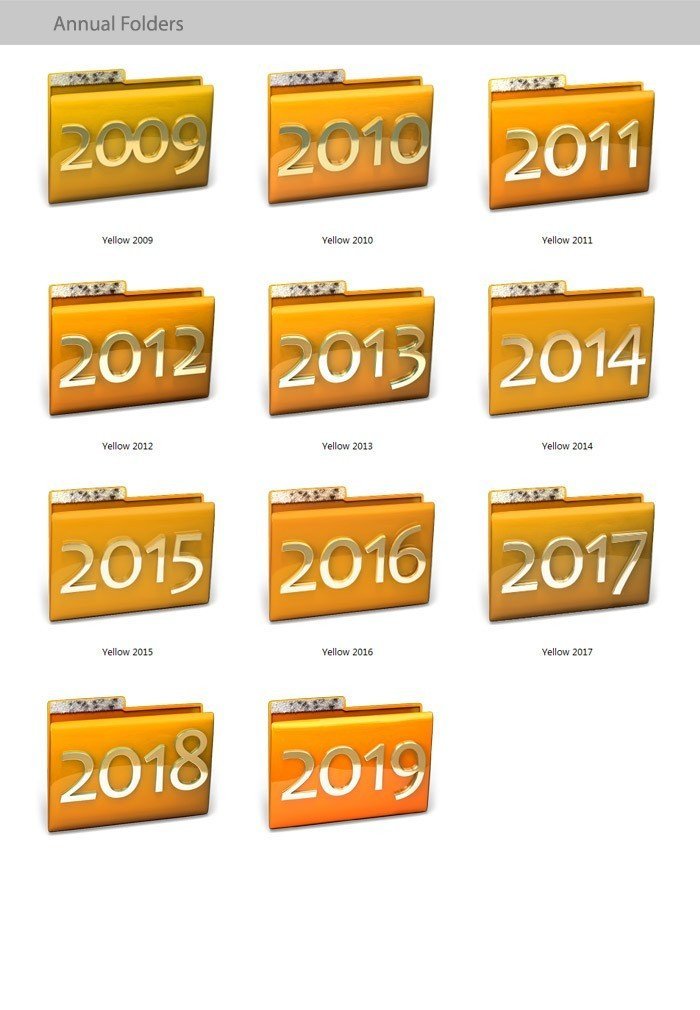
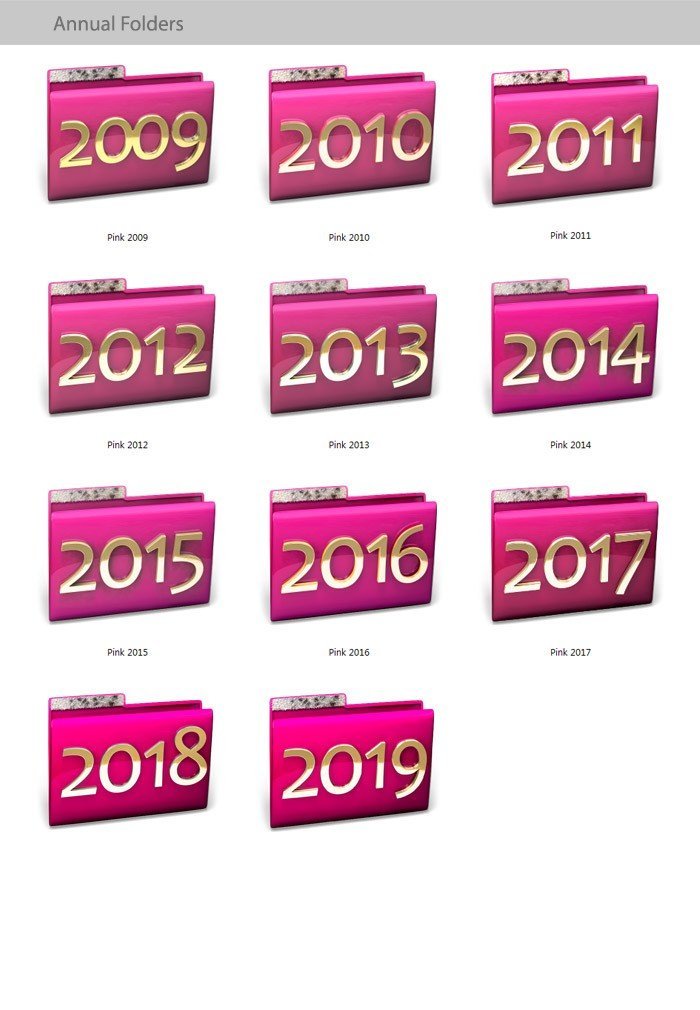
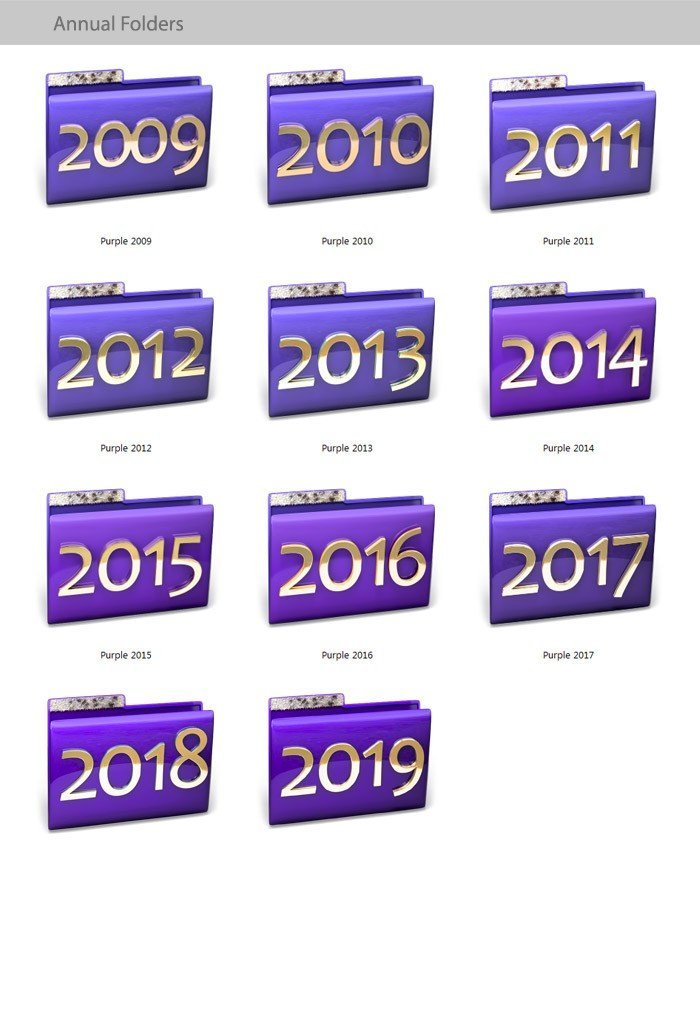
Annual Folders – Year Folder Icons 2009–2025
$12.00
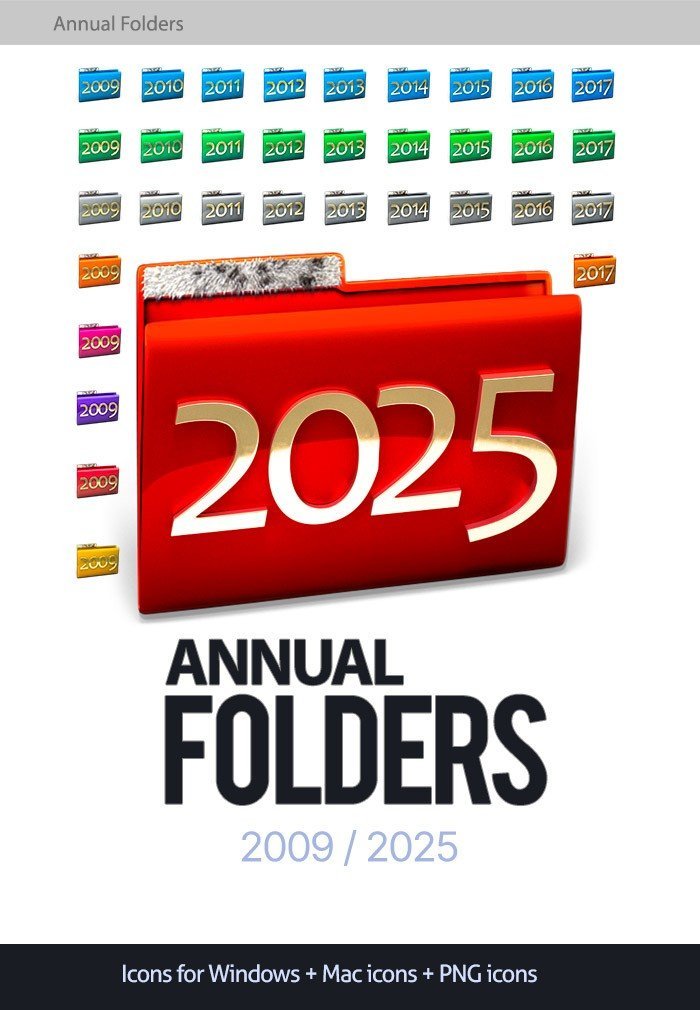
Red 3D year folder icons from 2009 to 2025, so photos, invoices and projects are easy to find by year.
Includes Windows (.ico), Mac and PNG versions.
Share item:
Most of us keep files by year. These year folder icons put the year right on the folder, so you can spot 2019 or 2024 at a glance in Explorer or Finder.
What’s included
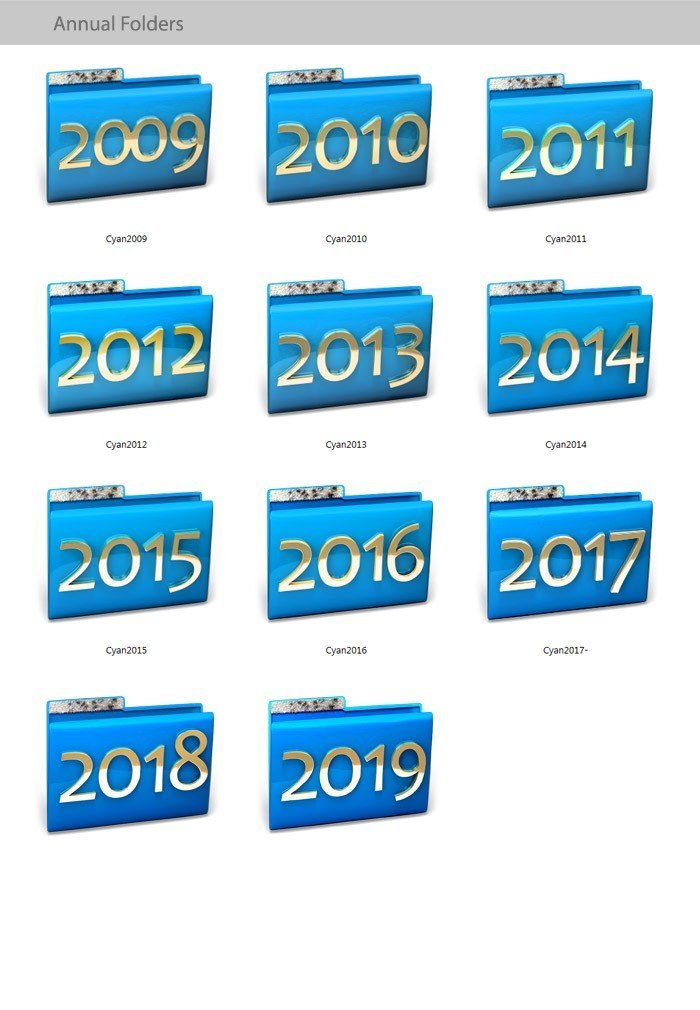
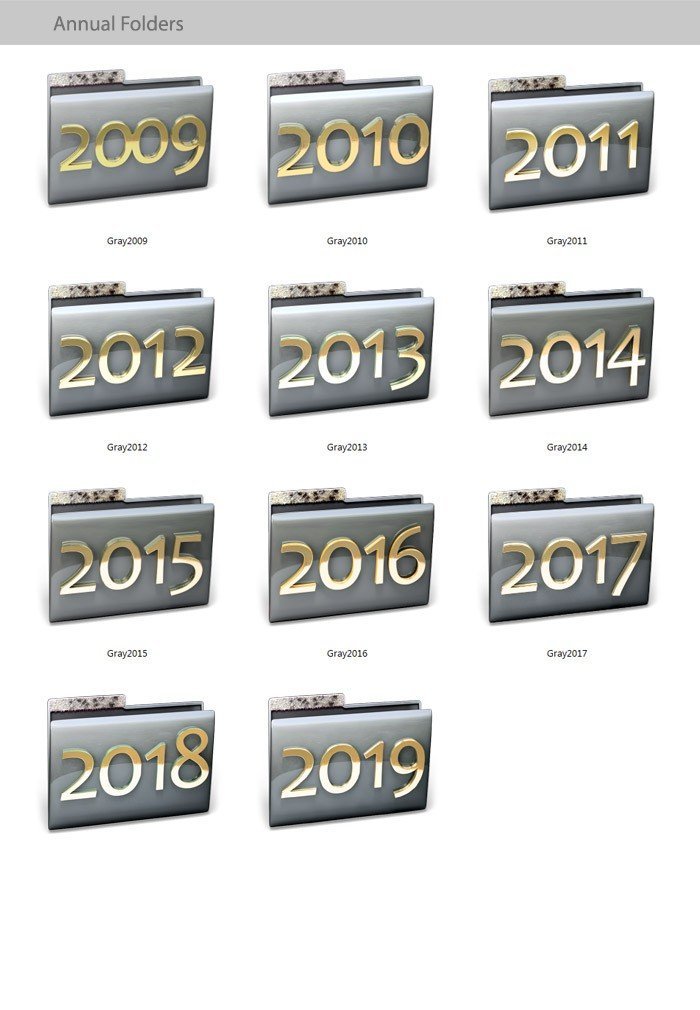
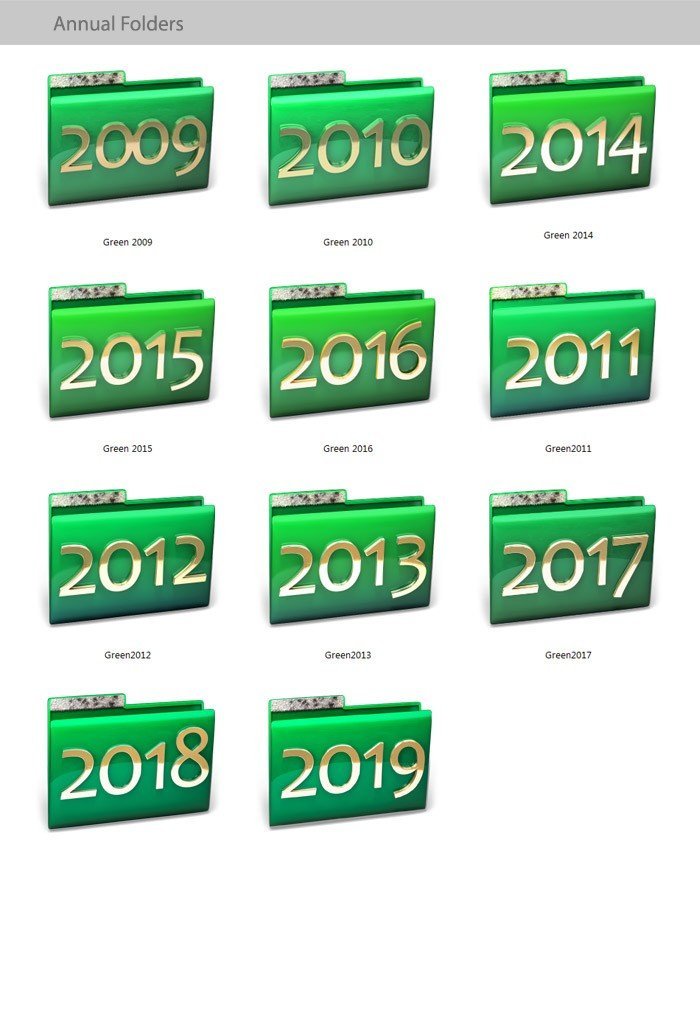
- Folder icons for every year from 2009 to 2025.
- Formats: .ico for Windows, Mac icons and PNG.
- Designed to match the Snow Leopard 3D icon theme.
How to use
- Download the ZIP from My Account > Downloads and unzip it.
- Right-click a folder and choose Properties > Customize > Change Icon.
- Click Browse, pick an .ico file and click OK. No extra software needed.
On a Mac, select the folder, press Command + I, then paste the icon onto the small icon at the top of the Info window.
Coming soon: a new year-folder series for Windows 11 with the years ahead, 2025 to 2050.
Questions before you buy? Read our FAQ or contact us. A real person answers within 24 hours.
Only logged in customers who have purchased this product may leave a review.
You may also like
Related products
$2.00
$5.00
$10.00
$6.60
$2.00


Reviews
There are no reviews yet.