
Claus 11 Cursors – Christmas Mouse Cursors for Windows 11
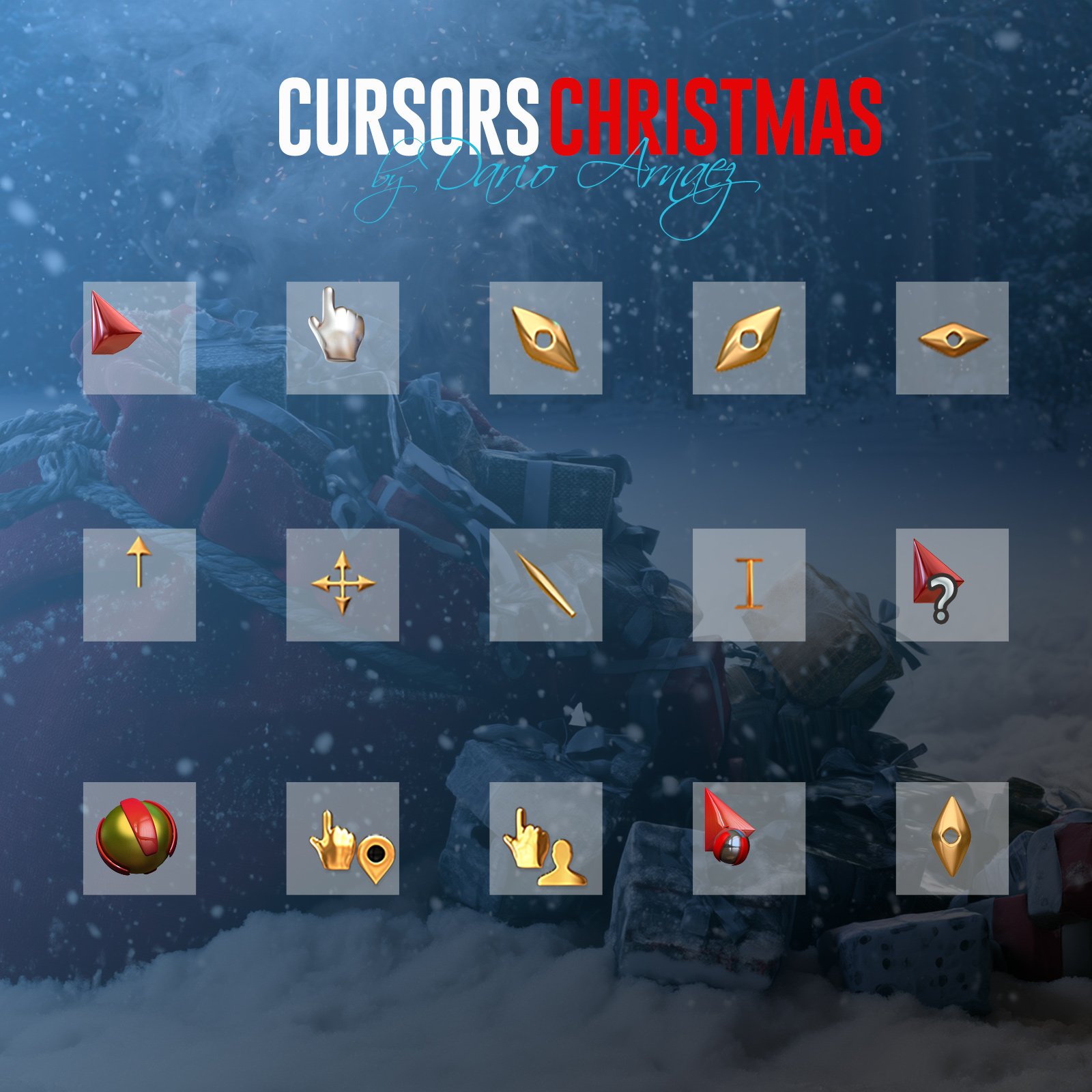
Christmas mouse cursors for Windows 11. A complete Santa set that replaces every pointer, from the arrow and the hand to the animated busy and working cursors.
Installs with one right-click and switches back to the Windows cursors anytime. A PDF guide is included.
Want the full Christmas look? Save with the Claus 11 Christmas Bundle: icons, Santa screensaver, these cursors and the Warm Hearts wallpaper.
Christmas cursors for Windows 11
Claus 11 Cursors bring Christmas to every move of your mouse. The set covers all the pointers Windows 11 uses, so you never see a plain Windows cursor mixed in with the Christmas ones.
A complete set
- Normal select, link and text select
- Animated busy and working in background
- Help, precision and handwriting
- Unavailable, move and alternate select
- All resize cursors: vertical, horizontal and both diagonals
- Location select and person select
How to install
- Unzip the download and open the Cursors folder.
- Right-click Install.inf and choose Install (on Windows 11, click Show more options first if you don’t see it).
- Open Settings > Bluetooth & devices > Mouse > Additional mouse settings > Pointers.
- Choose the Claus 11 scheme and click OK.
Want your usual cursors back? In the same Pointers tab, choose Windows Default.
What’s included
- Claus 11 cursor set (.cur and animated .ani files)
- One-click installer (Install.inf)
- Step-by-step install guide (PDF)
Requirements
- Windows 11 (also works on Windows 10)
- No extra software needed
[CONFIRM: keep the Windows 10 line only after testing there; otherwise say “Windows 11”.]
Frequently asked questions
Do I need ThemeControl? No. The cursors install with Windows’ own tools.
Can I change the size? Yes: Settings > Accessibility > Mouse pointer and touch.
Can I go back to my old cursors? Yes, anytime: choose Windows Default in the Pointers tab.
Only logged in customers who have purchased this product may leave a review.


Reviews
There are no reviews yet.