
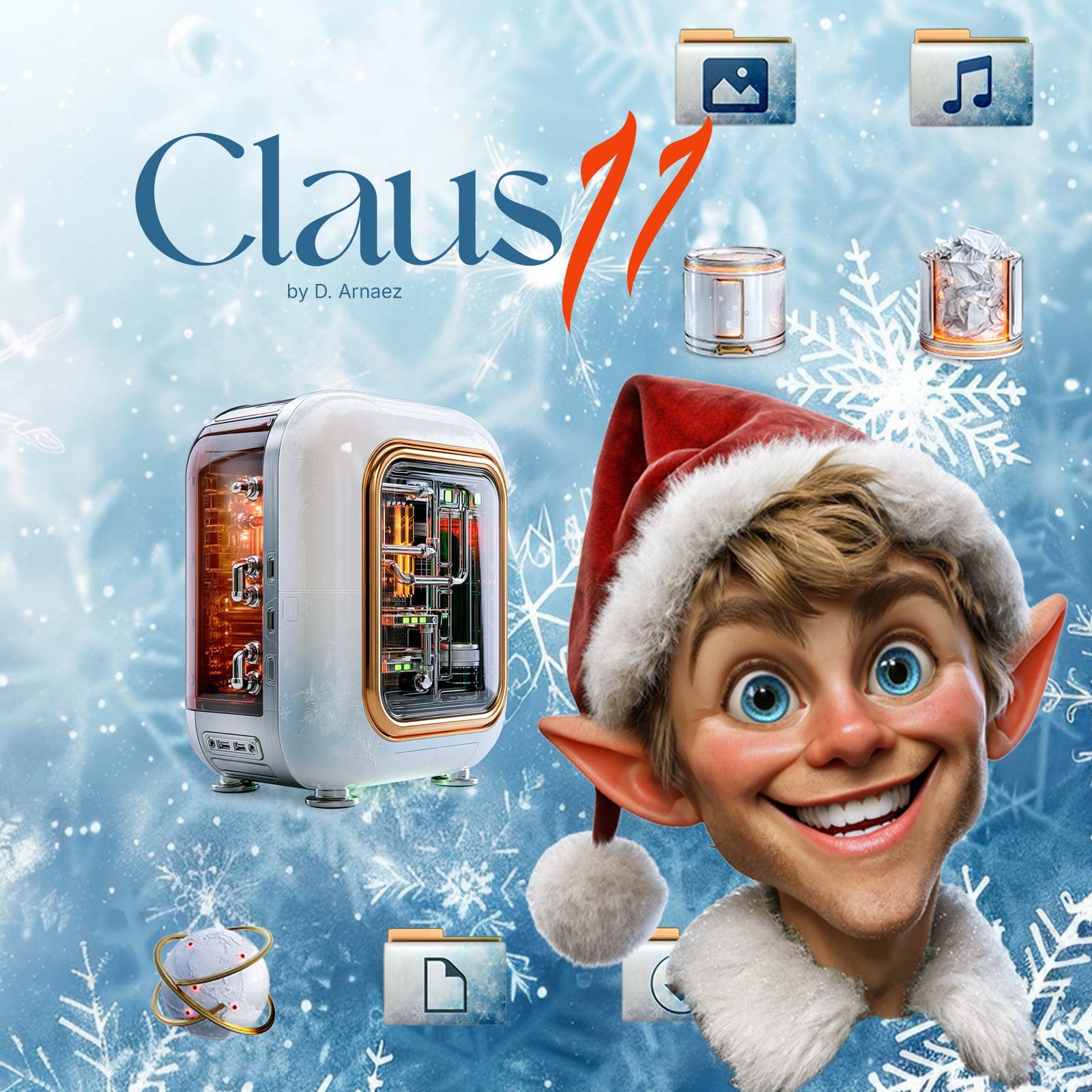
Claus 11 – Christmas Icon Theme for Windows 11
Claus 11 gives Windows 11 a warm Christmas look: snowy folders, festive drives and system icons, and a matching Christmas wallpaper.
Applied in one click with ThemeControl, our free app for Windows 10 and 11, and removed just as easily.
A Christmas theme for Windows 11 that changes your icons
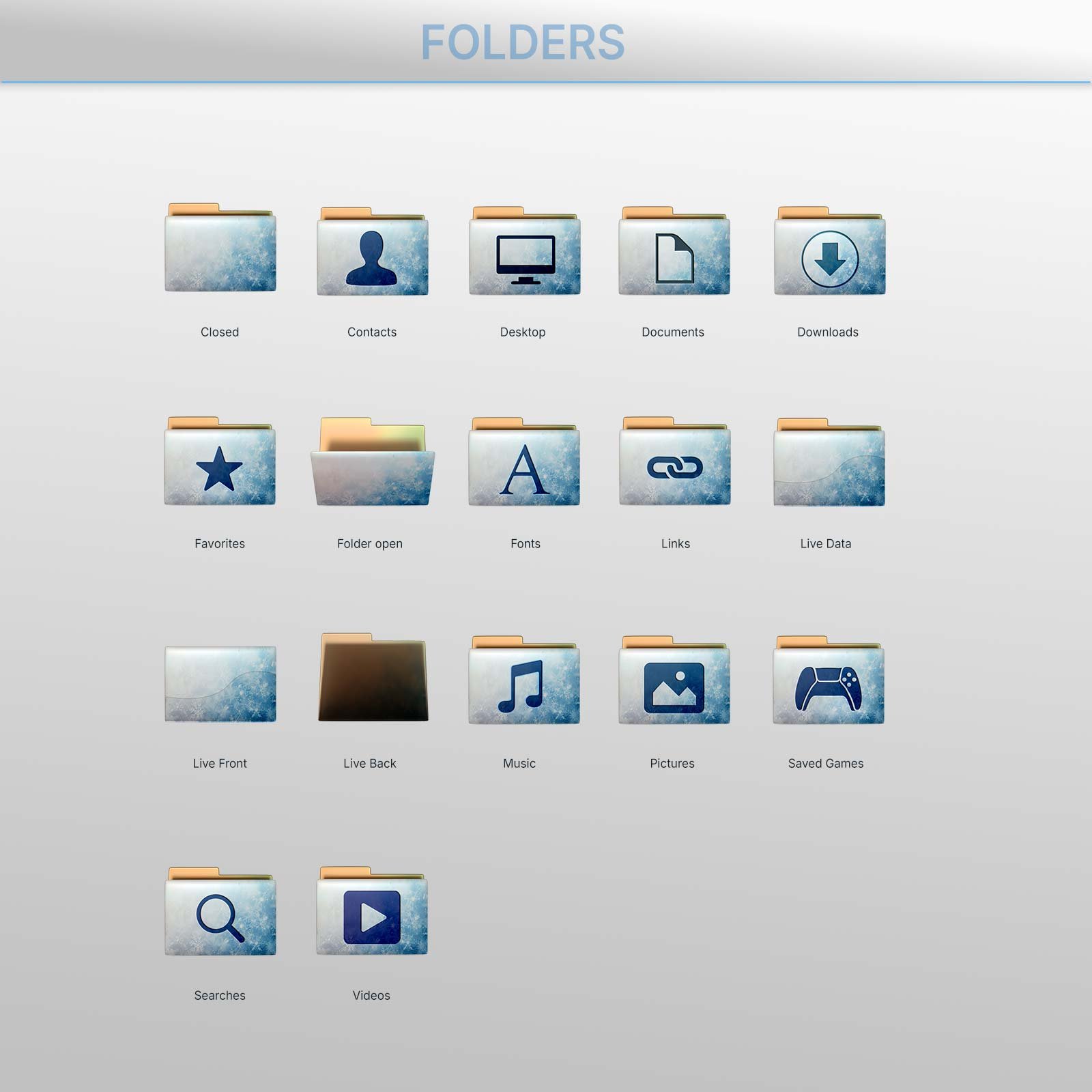
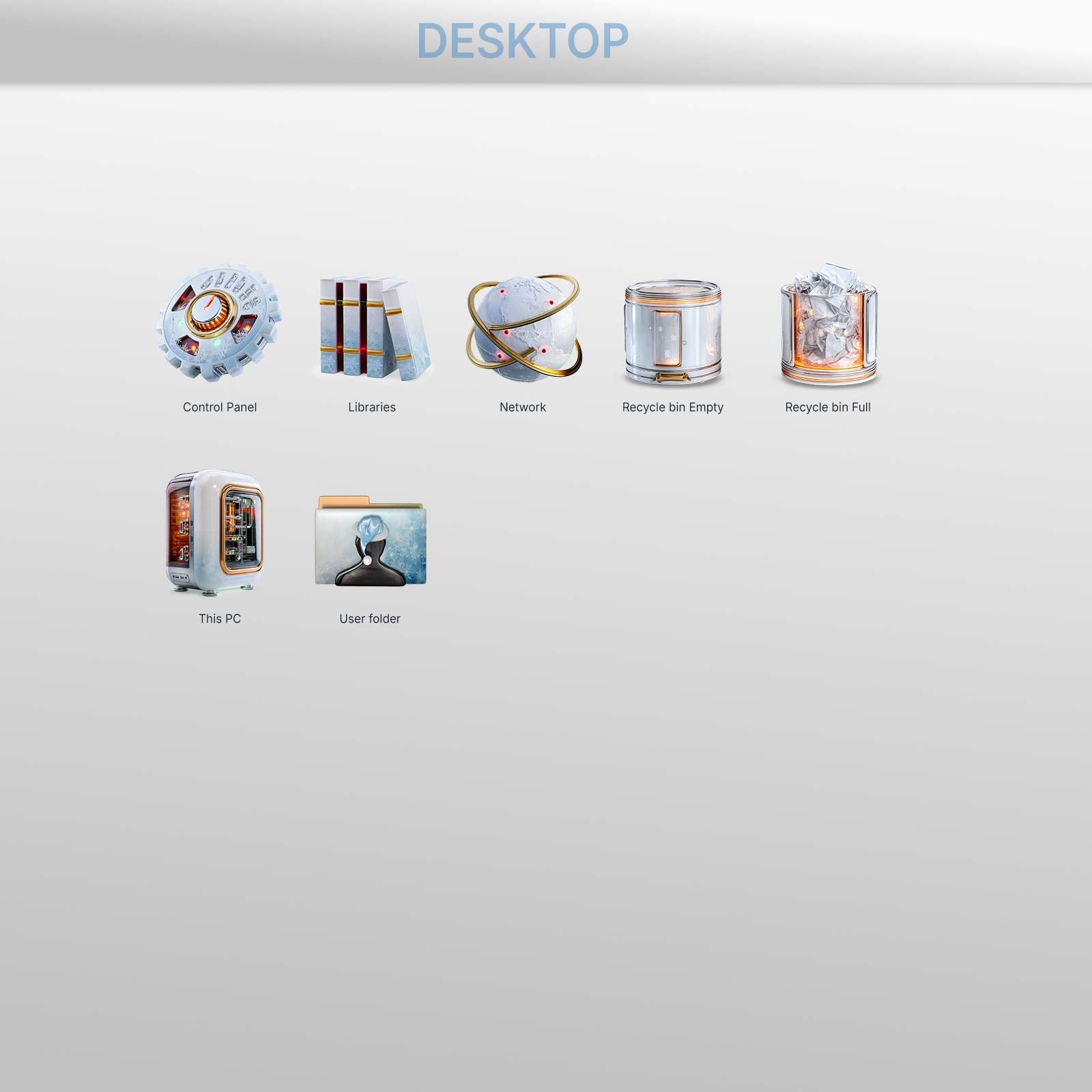
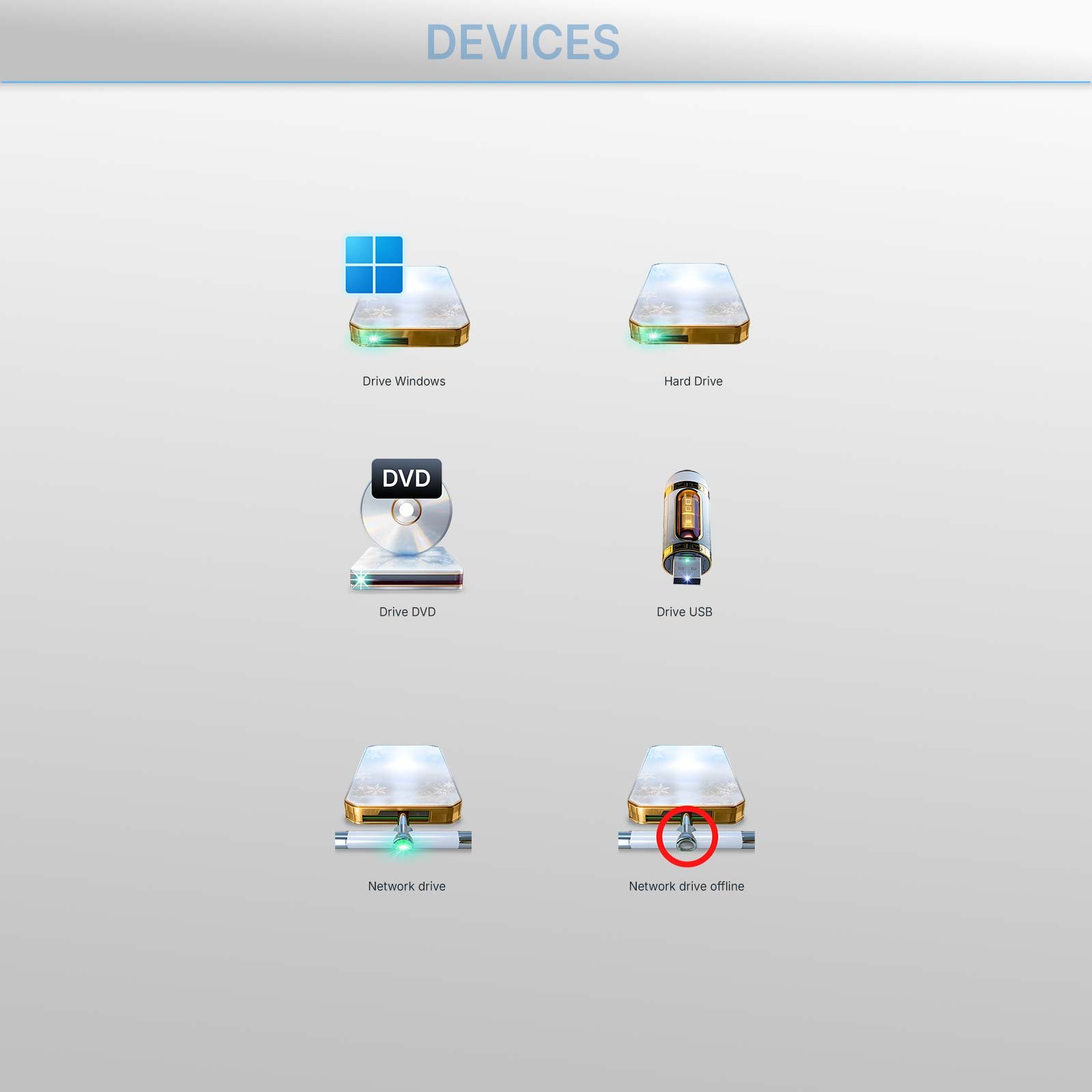
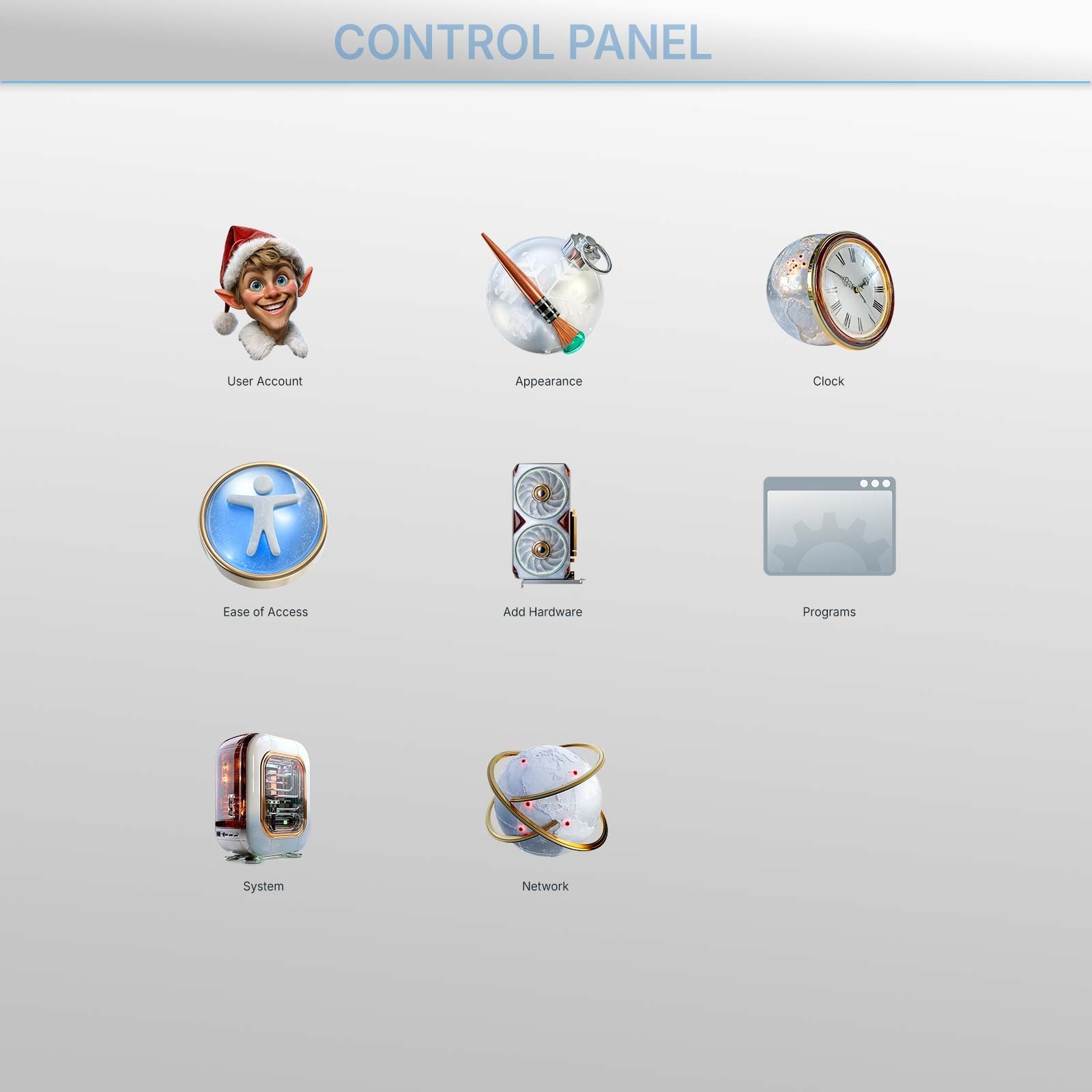
Claus 11 is a Christmas theme for Windows 11 that changes more than the wallpaper. Most holiday themes stop at a background picture. Claus 11 changes the icons you see every day: folders, the special folders like Documents and Pictures, drives, This PC, the Recycle Bin and Control Panel. Even the Windows 11 folders that preview their photos and videos get the Claus frame.
The icons are designed in icy blue and white with warm copper details, so your desktop feels festive without being loud. It’s a look you can keep from the first snow to New Year’s Day.
What’s included
- The Claus 11 icon theme for Windows 11 and Windows 10
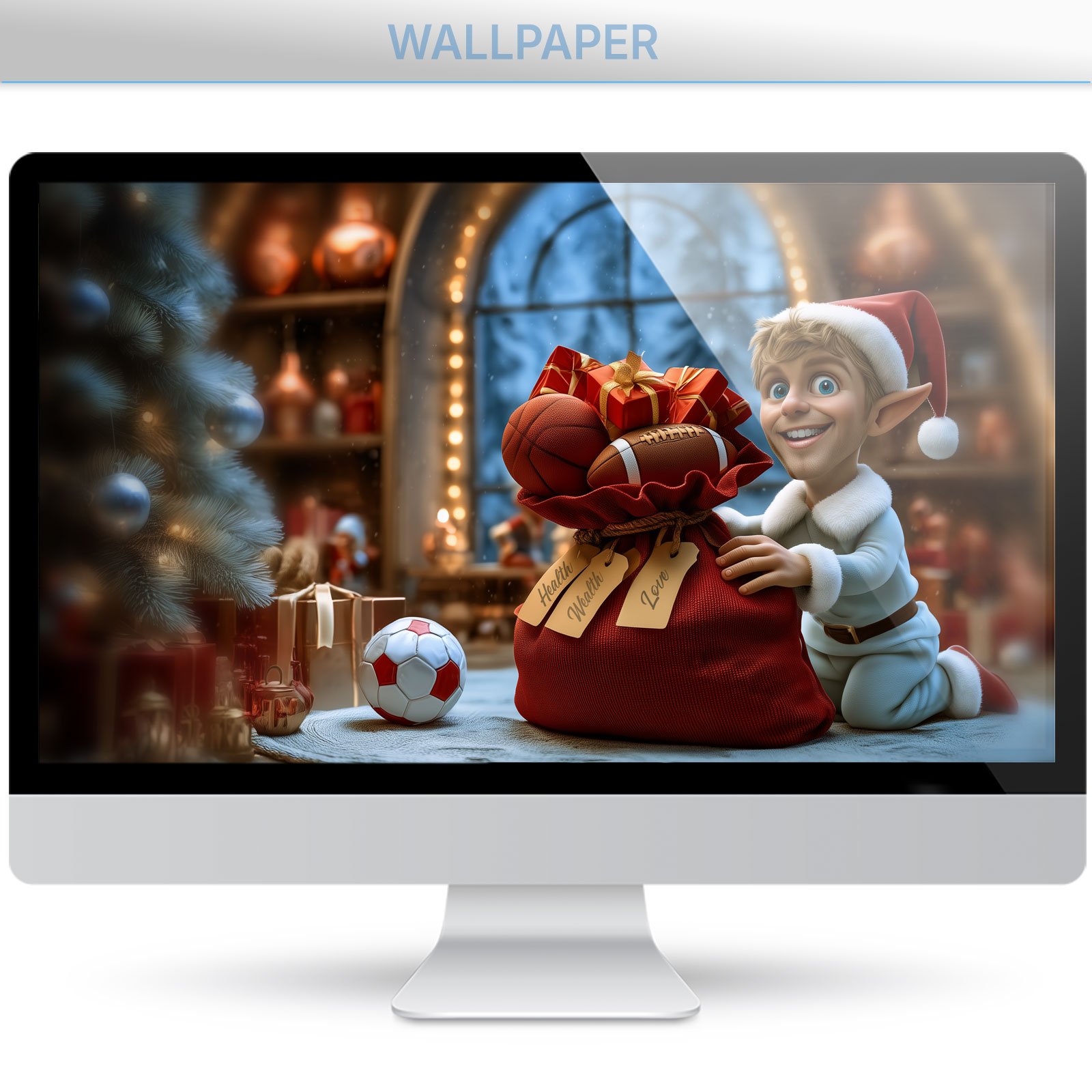
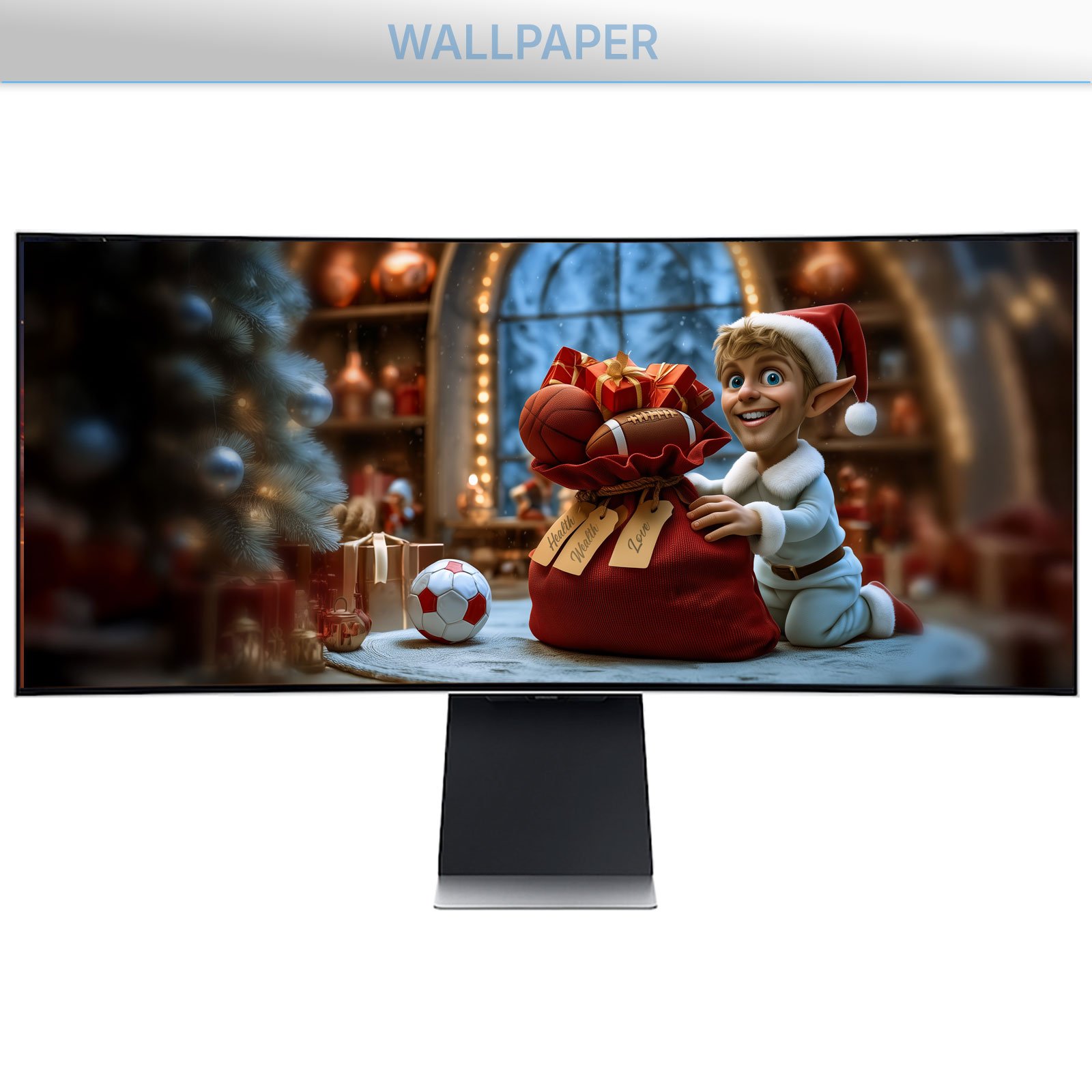
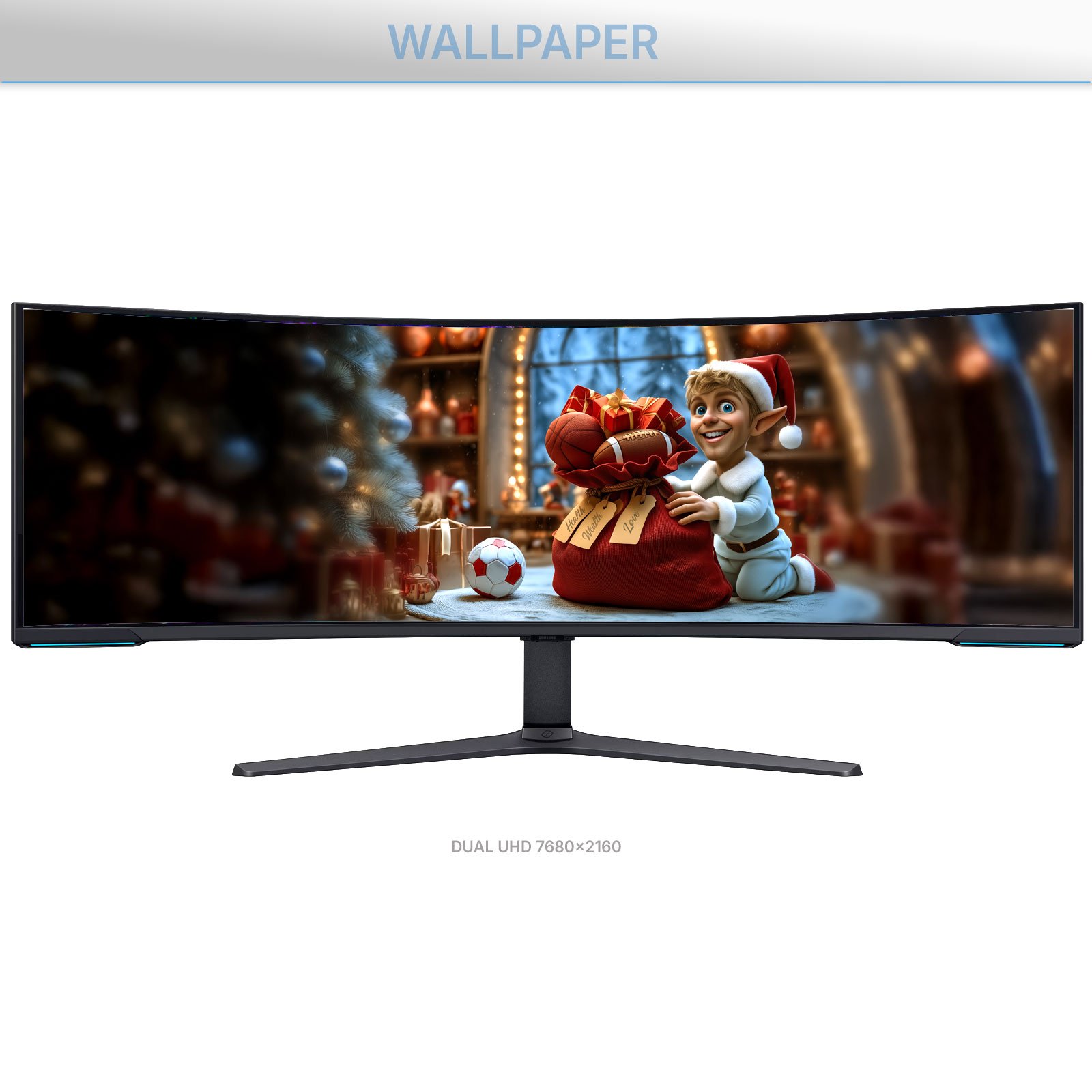
- A matching Christmas wallpaper: Claus’s elf filling his sack with health, wealth and love. In 4K for 16:9 and 16:10 screens, ultrawide and super ultrawide (32:9), and ThemeControl picks the right one for each of your monitors
- ThemeControl, our free app to apply it in one click
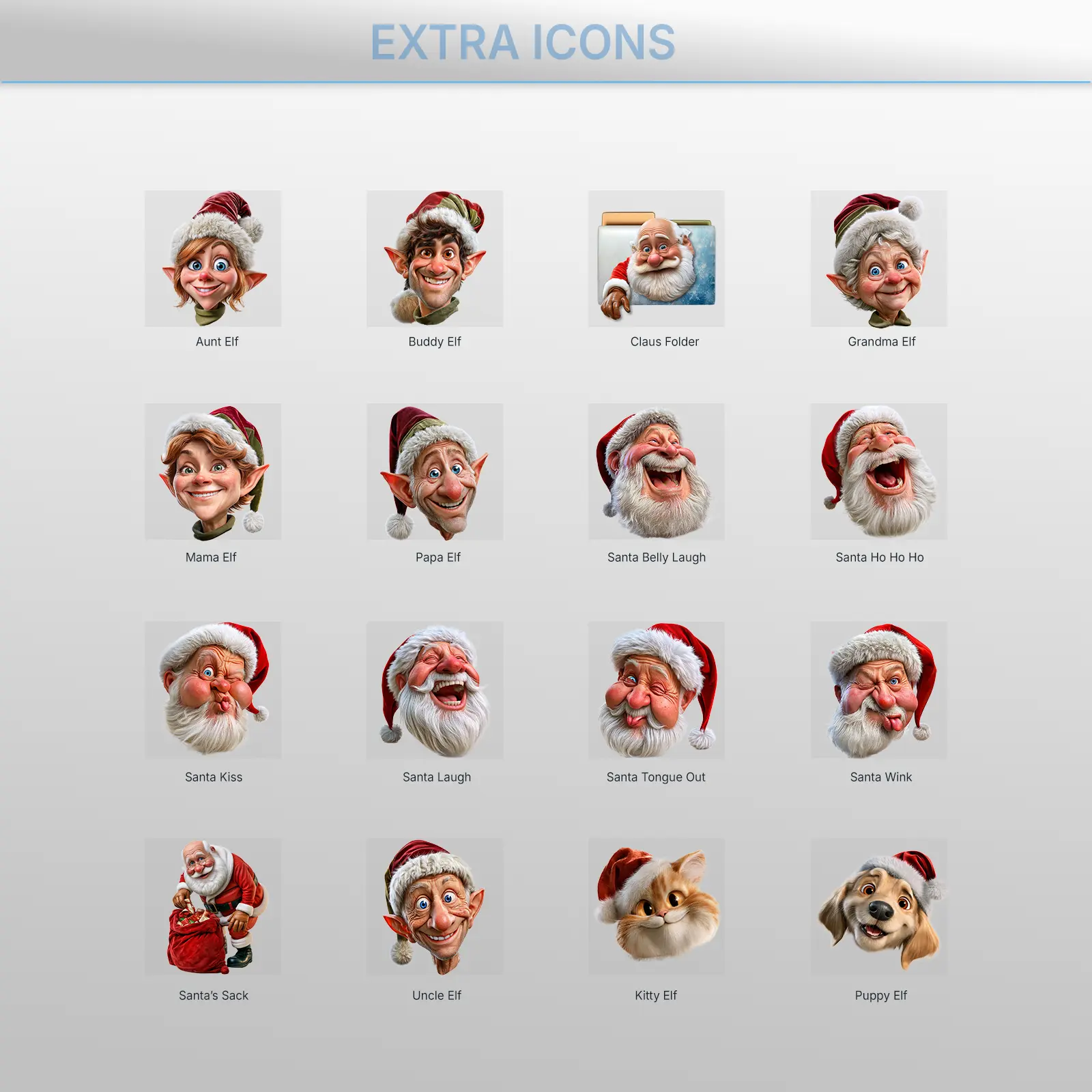
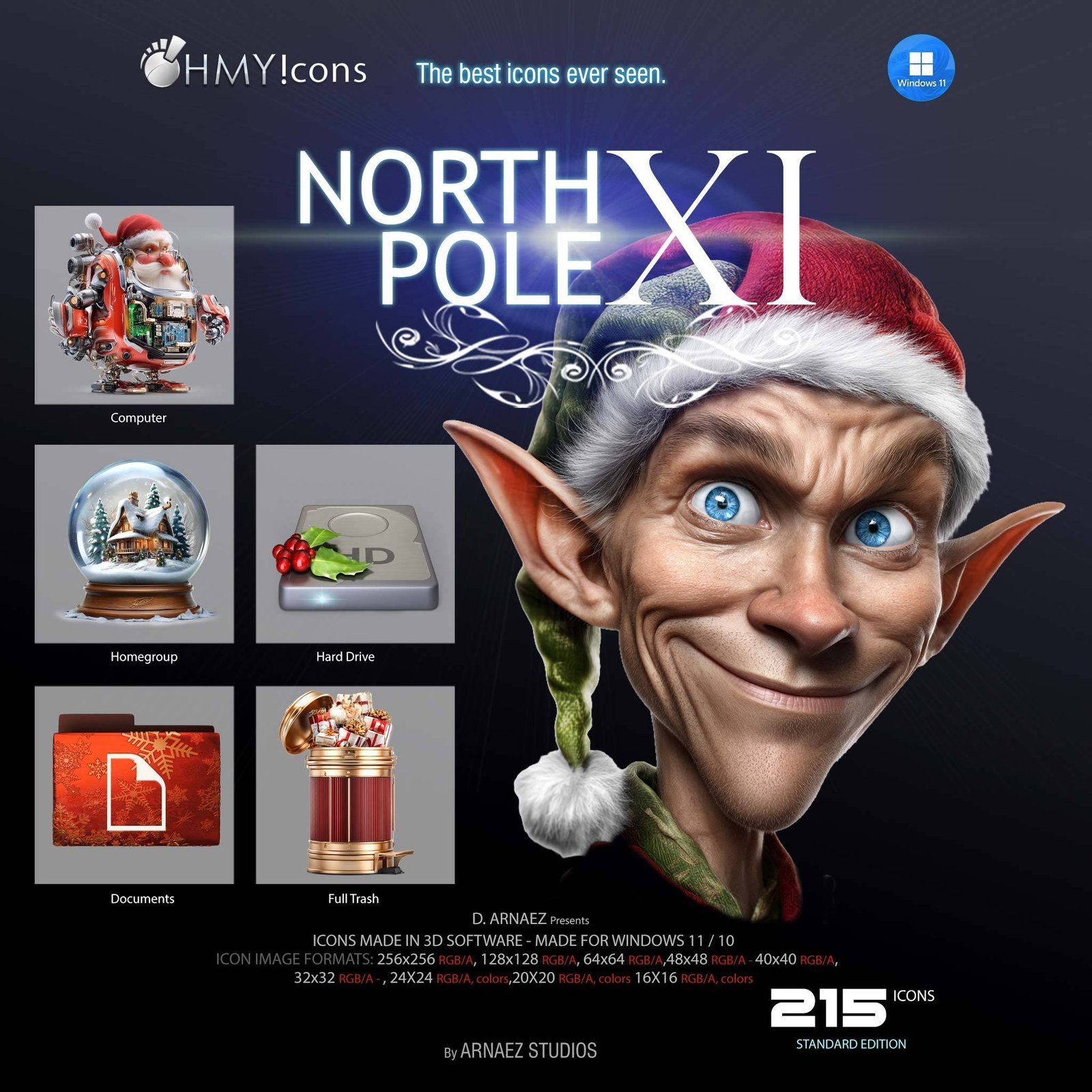
- Bonus: extra Christmas folder icons: Santa’s funniest faces, the whole elf family and even their pets, to give a special folder to everyone at home
How to install the Christmas theme on Windows 11
- Download the zip and run ThemeControl-Setup.exe.
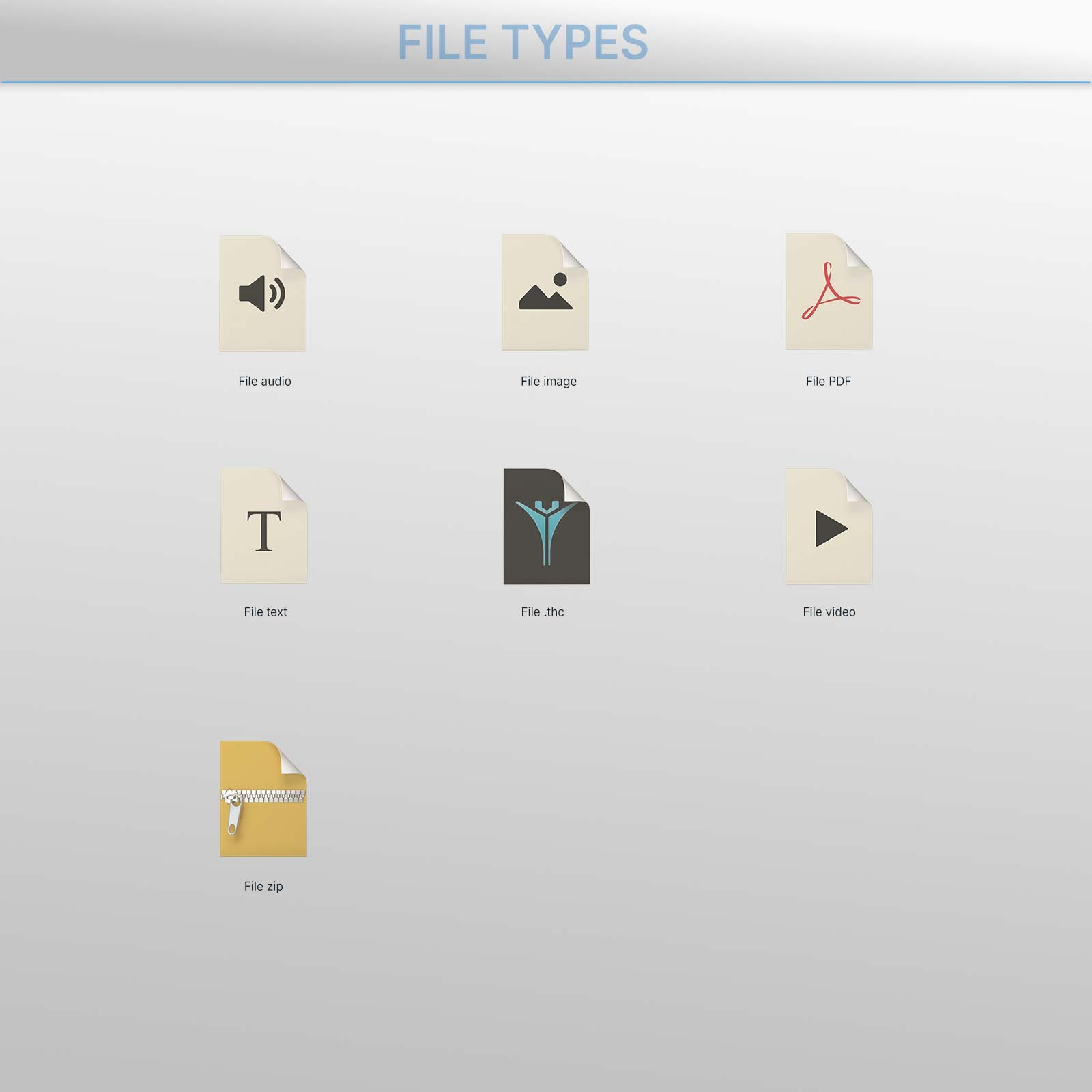
- Double-click Claus 11.thc.
- Click Apply theme. Your new icons appear in seconds.
The wallpaper waits in ThemeControl’s Wallpaper tab: it’s only applied if you choose to. And when the holidays are over, Restore previous icons brings your usual look back.
Requirements
- Windows 11 or Windows 10 (64-bit)
- ThemeControl (free, included)
Frequently asked questions
Does it work on Windows 10? Yes. Claus 11 is made for Windows 11 and works on Windows 10 (64-bit) too.
Can I go back to my usual icons? Yes. Click Restore previous icons in ThemeControl and everything goes back exactly as it was.
Do I need IconPackager or other software? No. ThemeControl, our free app, is included in the download.
Want more? ThemeControl PRO applies any icon pack, including the IconPackager themes you already own, and adds tools like big icons in every folder.
Only logged in customers who have purchased this product may leave a review.
Related products
$11.00
$22.22
Reviews
There are no reviews yet.