
NEW
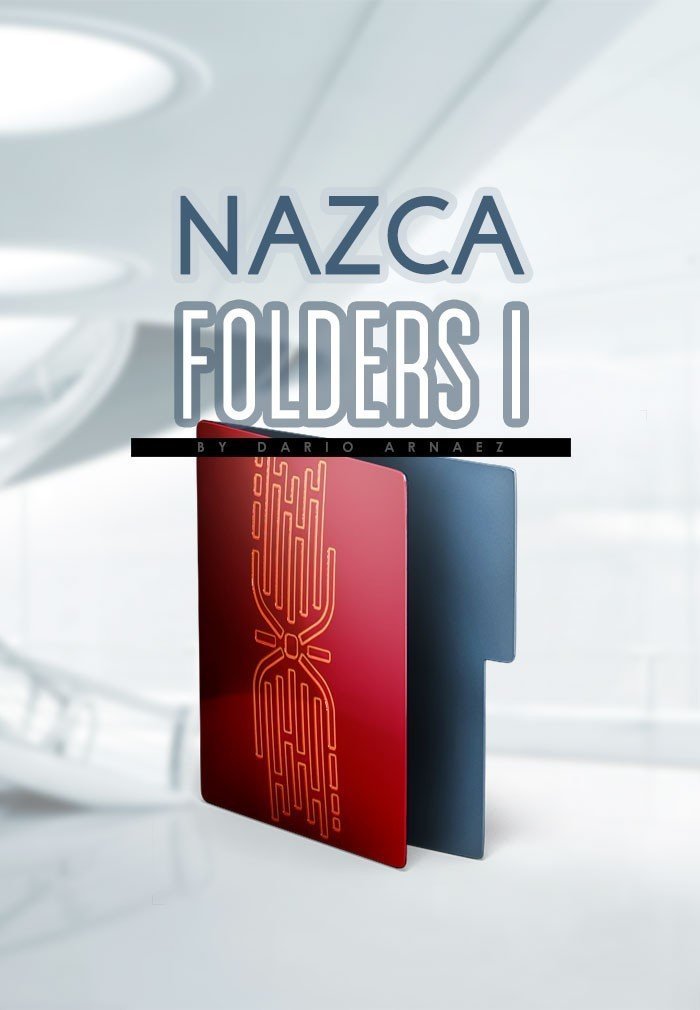
Nazca Folders I
$5.00
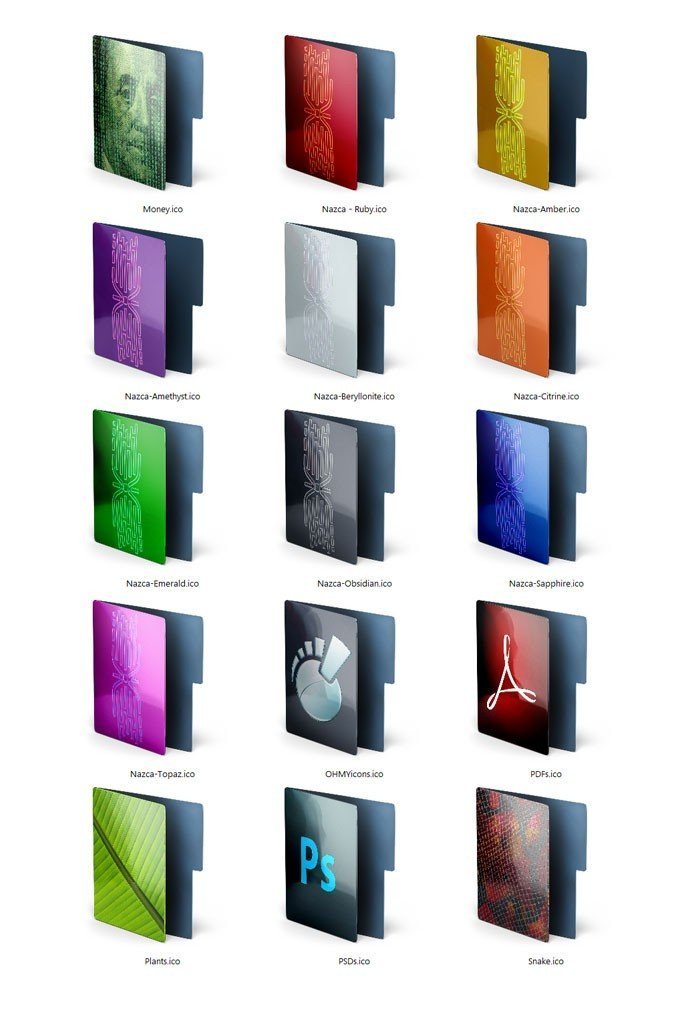
15 colored folder icons in the Nazca style: red, green, purple, orange, blue and more, plus Acrobat and Photoshop folders.
Windows .ico files made to match the Nazca icon theme.
Share item:
Color-code your projects. These colored folder icons keep the elegant Nazca shape with a different color and texture on each folder, so you can find work, photos or clients at a glance.
What’s included
- 15 folder icons in red, green, purple, orange, blue, silver and more, including Acrobat and Photoshop folders.
How to use
- Download the ZIP from My Account > Downloads and unzip it.
- Right-click a folder and choose Properties > Customize > Change Icon.
- Click Browse, pick an .ico file and click OK. No extra software needed.
Pairs with the Nazca icon theme and Nazca Folders II. See the Nazca Collection.
Questions before you buy? Read our FAQ or contact us. A real person answers within 24 hours.
Only logged in customers who have purchased this product may leave a review.
You may also like
Related products
$2.00
$5.00
$2.00
$12.00
$3.00


Reviews
There are no reviews yet.